

Setting up a reliable hosting environment on Linux can seem intimidating, especially when you want something that won’t put or slow down your server.
If you’re after a simple, efficient way to run websites, databases, and manage your whole setup, aaPanel is great option.
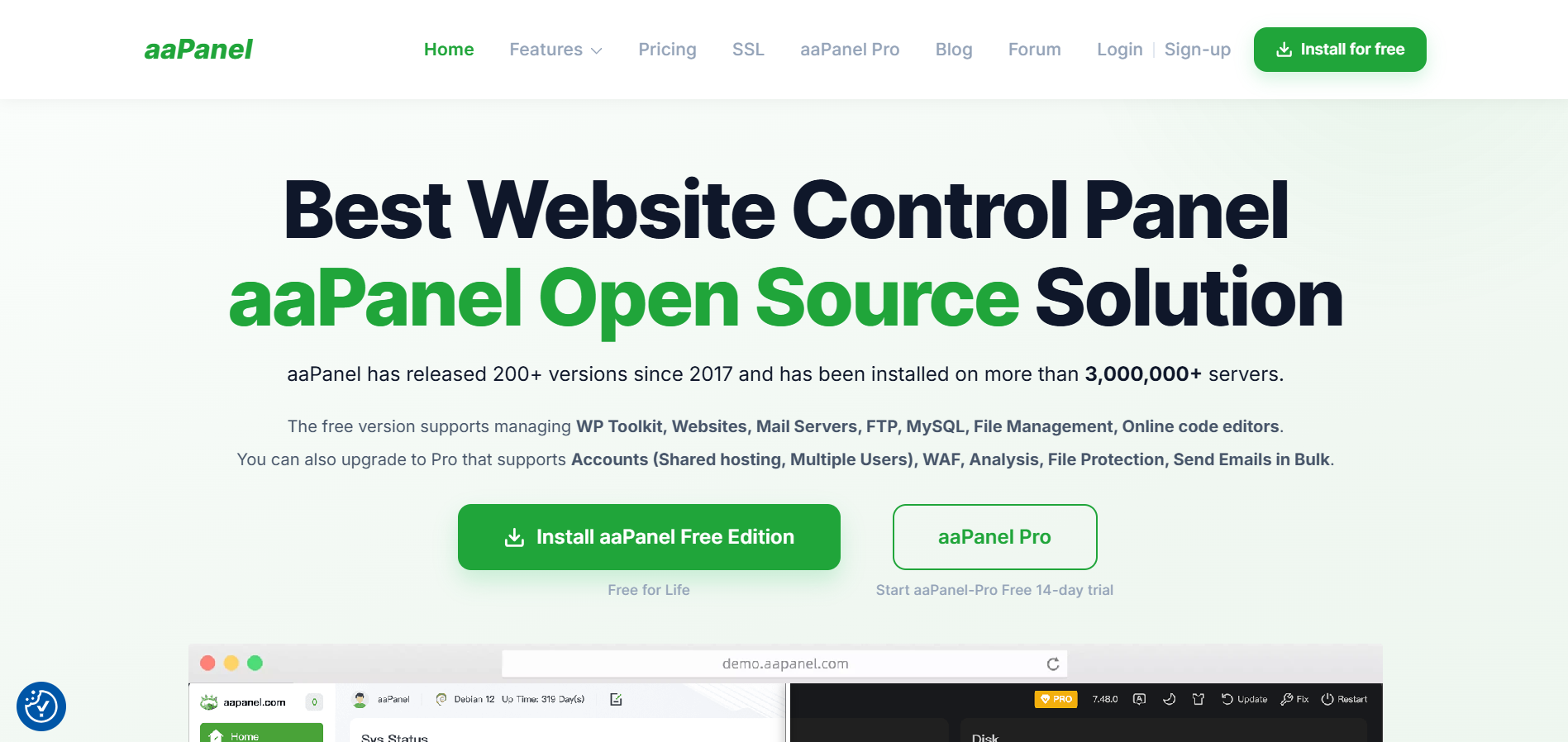
This guide takes you through the full installation step by step, so you can get your server working the way you want, without any nonsense.
First, a quick intro: aaPanel has become super popular with developers and hosting control panel pros for a good reason.
It’s free, open source, and genuinely lightweight with no extra clutter, just what you need for efficient server management. The team behind it keeps it sharp, adding new features and security tools all the time.
Why Use aaPanel?
The real standout with how little system resources it uses. Lots of hosting control panels feel clunky on regular VPS setups, but aaPanel keeps things snappy, which is great for both newcomers and seasoned sysadmins. You get an interface that’s simple to navigate and you’re not giving up power just to save memory.
It supports pretty much any common Linux distro, and has handy one-click installs for things like WordPress, Node.js, and Laravel. Since the devs actively maintain it, you don’t have to worry about falling behind on security or functionality.
Getting Your Server Ready
Before you dive into installation, make sure your Linux server is prepped. That means updating your system. On Ubuntu or Debian, use:
sudo apt update && sudo apt upgrade -y
On CentOS, AlmaLinux, or Rocky Linux, use:
sudo dnf update -y
For best results, start with a fresh install and keep other heavy software off. aaPanel likes to be the star of the show, not one among many. Aim for at least 1GB of RAM, but 2GB or more gives you noticeably more breathing room.
Installing aaPanel Step by Step
Now for the good part. The aaPanel team made this easy. Just run this command (works for most Linux distros):
curl -sSL https://www.aapanel.com/script/install_ubuntu.sh | sudo bash
And let it work. The script figures out your OS, grabs what it needs, and gets started. Expect it to take anywhere from 5 to 15 minutes, depending on how fast your server and internet connection are.
Once it finishes, you’ll see your login details and the URL to access the panel and by default, it’s on port 8888. So, jump over to your browser and type in http://your-server-ip:8888.
Getting Set Up & Staying Secure
First login? Take the time to change your default password, then connect your domain or IP for security’s sake.
Don’t skip the firewall settings. aaPanel has its own firewall manager, so you can open or close ports right in the panel.
Turn on automatic security rules, and set up SSL certificates for your sites while you’re at it. Staying secure is easier if you do it from the start.
Managing Your Websites & Apps
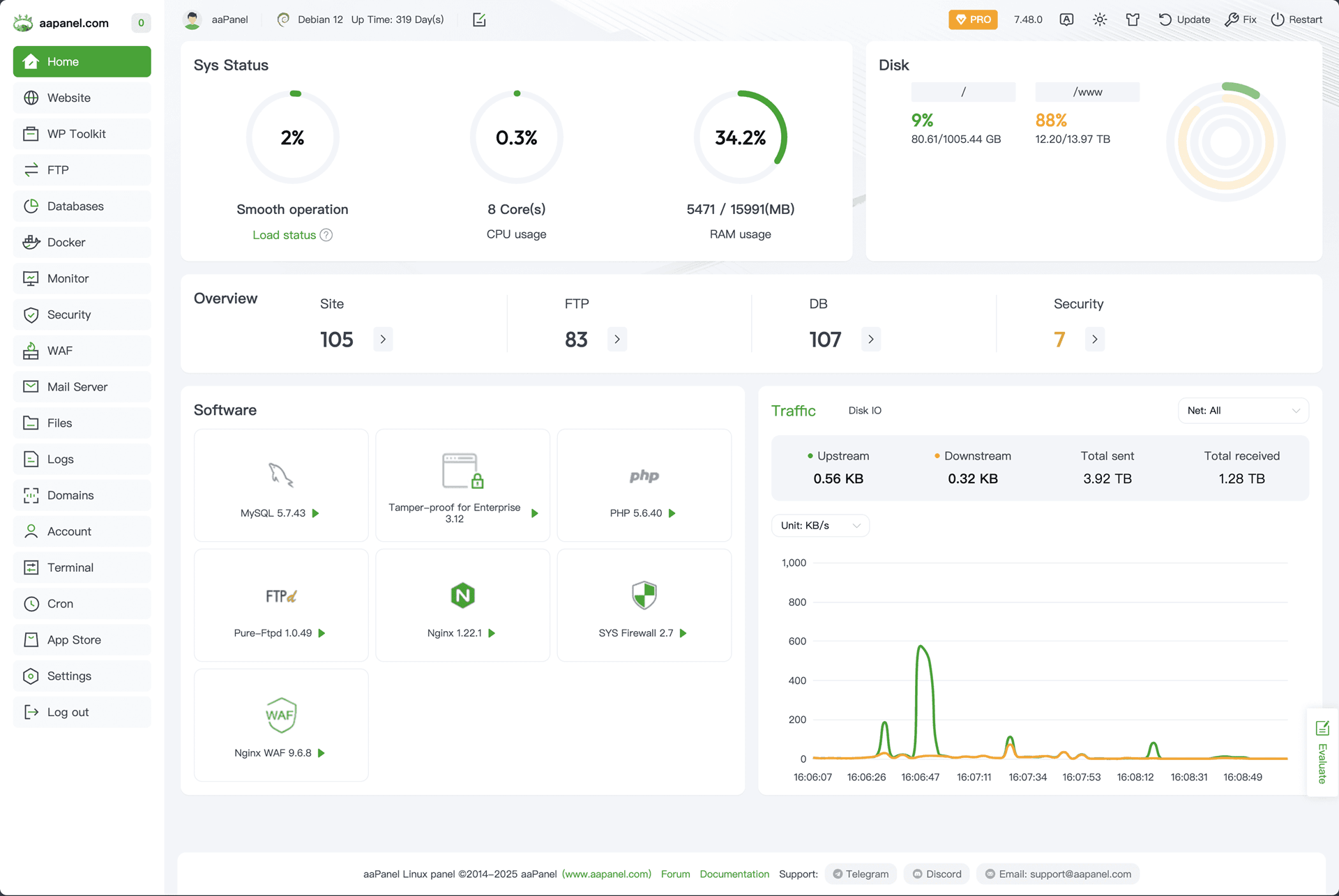
This is where aaPanel is standing out. The control panel makes launching a new website a breeze with WordPress, Laravel, Joomla, or others are just one click away. Need to sort databases, set up FTP, or handle emails? The dashboard does it all.
The file manager works quickly and lets you edit files directly, which is a lifesaver for quick tweaks. Plus, you get live resource monitoring—CPU, memory, bandwidth—right at your fingertips, so you always know what’s going on.
Maintenance & Updates
Staying up to date is easy. When a new version drops, it tells you right in the dashboard, and there’s a big button to start the update.
Keep an eye on backups too and make sure automatic backups are turned on. Pro tip: regular backups save you major headaches if something goes sideways.
Final Thoughts
If you’re looking for an easy way to manage your Linux web hosting, aaPanel is the best option on the market now.
You get the right mix of simplicity and power, whether you’re just getting started or running many client sites.
Install it, set things up, and you’ll have a server environment that’s fast, secure, and ready to grow as your needs change.
No wasted resources, no bloated software, just practical tools and real results. And yes, there is a free version to test it out first! Give it a shot and you’ll see the difference.
