

Every day, thousands of online accounts across Poland and around the world fall victim to credential theft. Passwords alone no longer provide adequate protection against sophisticated cyberattacks, phishing schemes, and brute-force intrusions.
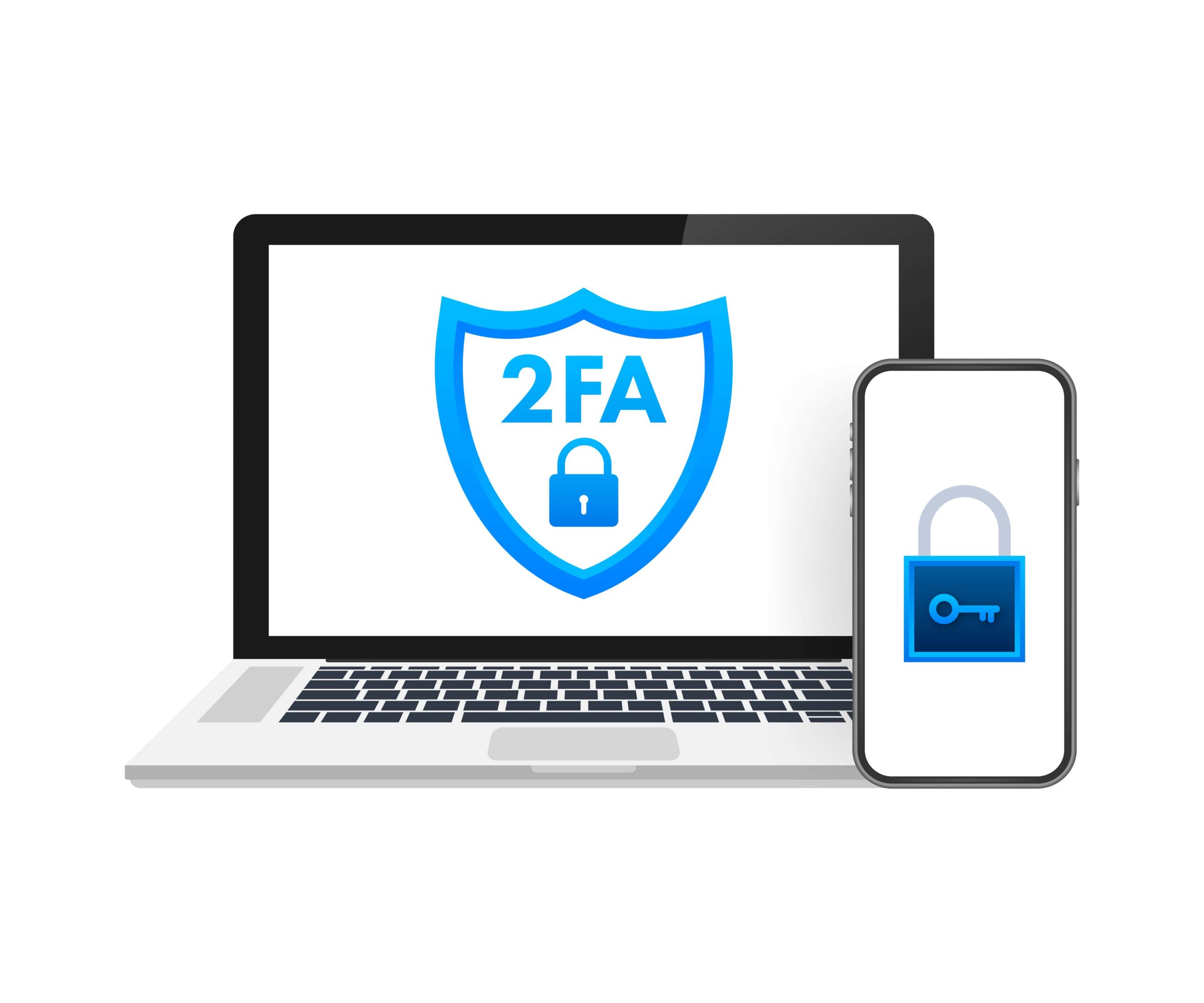
Two-factor authentication, commonly known as 2FA, has emerged as one of the most effective and accessible tools for securing digital accounts.
Why Are Passwords Alone No Longer Enough?
The classic username-and-password approach was built for a less complex time. Today’s cybercriminals use sophisticated tools that can guess weak passwords in seconds and abuse recycled credentials across many services.
Major data leaks repeatedly reveal millions of username-password pairs, which then get traded on dark web markets.
As the 2025 Verizon Data Breach Investigations Report notes, more than 80% of hacking-driven breaches still stem from stolen or easily guessed passwords.
Polish internet users face the same risks. Phishing aimed at Polish-language websites has increased in recent years, and credential-stuffing routinely targets banking logins, email accounts, and streaming or gaming services.
Depending only on a password is like relying on one lock while countless attackers keep testing the handle.
What 2FA Actually Does?
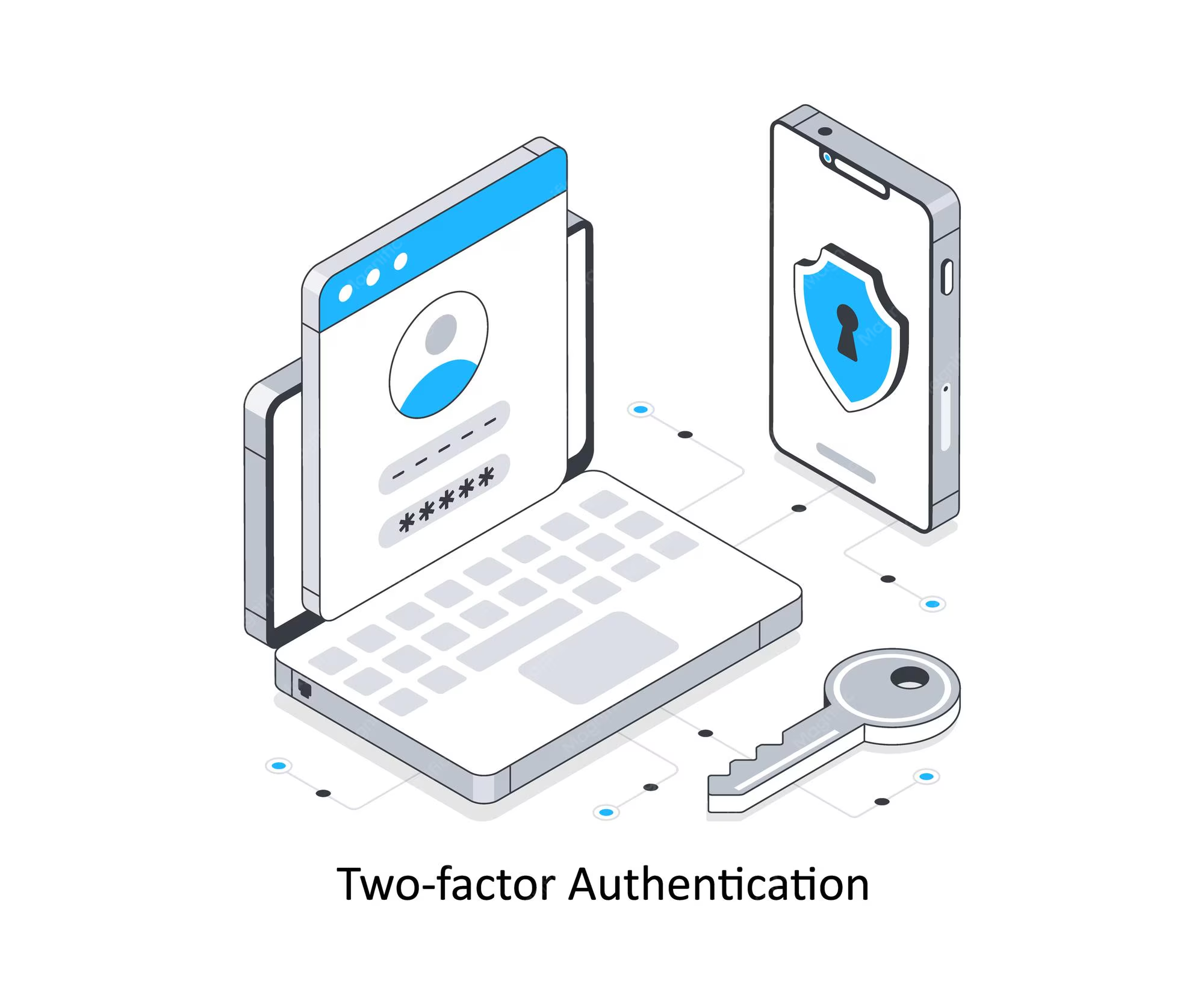
Two-factor authentication asks users to provide two separate verification methods before they can log in to an account.
The first factor is usually something you remember, like a password or a PIN. The second factor can come from several different categories, adding an extra security layer that is much more difficult for attackers to get around.
Many services widely used by people in Poland, including banking apps and online entertainment platforms like nv casino online, now offer multiple 2FA methods to help prevent unauthorized account access.
The Three Categories of Authentication Factors
Authentication methods generally fall into three core categories, each based on a different type of evidence used to verify who you are.
In other words, they rely on distinct kinds of proof to confirm your identity, depending on what you know, what you have, or what you are.
- Something you know — passcodes, PIN numbers, challenge questions.
- Something you possess — a smartphone, physical security key, or authenticator app.
- Something you are — biometric identifiers like fingerprints, face recognition, or vocal patterns.
If a hacker gets hold of your password, they still won’t be able to log in without the second factor. Keeping knowledge-based proof separate from possession-based confirmation is what makes 2FA a strong barrier to unauthorized access.
Common Two-Factor Authentication Methods in 2026
Not all two-factor authentication (2FA) methods provide equal protection, so choosing a stronger option can significantly improve your account security.
The most widely used options available to consumers and businesses in Poland are:
| 2FA Method | Security Level | Convenience | Vulnerability |
| SMS codes | Moderate | High | SIM-swapping attacks |
| Authenticator apps (Google, Microsoft) | High | Moderate | Device theft |
| Hardware security keys (YubiKey, Titan) | Very high | Lower | Physical loss |
| Biometric verification | High | Very high | Spoofing (rare) |
| Push notifications | High | High | Approval fatigue attacks |
SMS verification codes remain common since they’re easy to use, widely understood, and function on nearly any mobile phone with no additional configuration.
Still, for high-value or sensitive accounts, many security professionals now recommend moving to authenticator apps or dedicated hardware security keys, which offer better defense against threats like SIM swapping and phishing.
How to Set Up 2FA On Your Accounts?
Enabling two-factor authentication is straightforward on most major platforms. The process typically takes fewer than five minutes per account, and the security benefits far outweigh the minor inconvenience of an additional login step.
Step-by-step activation process:
- Navigate to your account’s security or privacy settings.
- Locate the two-factor authentication or two-step verification option.
- Choose your preferred 2FA method (app, SMS, or hardware key).
- Follow the platform’s prompts to link your device or phone number.
- Save backup recovery codes in a secure, offline location.
Prioritize enabling 2FA on your most critical accounts first — email, banking, cloud storage, and any platform where financial transactions occur.
Platforms offering promotional features and bonuses, such as those found at https://nv.casino/pl/bonuses, also benefit from this added layer of account protection.
Common Mistakes that Weaken Your 2FA Protection
Even with two-factor authentication enabled, certain habits can undermine its effectiveness. Avoiding these pitfalls ensures your security remains robust:
- Ignoring backup codes — losing access to your second factor without backup codes can lock you out permanently.
- Using SMS exclusively — SIM-swapping attacks make SMS the least secure 2FA option.
- Approving push notifications without checking — attackers exploit approval fatigue by sending repeated login requests.
- Storing recovery codes digitally without encryption — plaintext files on your computer are vulnerable to malware.
Staying mindful of these common mistakes helps you get the full protection 2FA is meant to provide. Take a few minutes to review your setup now—save your backup codes securely, choose stronger authentication methods when possible, and verify every login prompt before approving it.
Your Strongest Defense Starts With One Simple Step
Two-factor authentication is neither complex nor time-consuming, yet it remains one of the most underutilized security measures among everyday internet users. By adding a second verification layer, you transform your accounts from easy targets into fortified assets.
Take fifteen minutes to audit your most important accounts, enable 2FA wherever possible, and store your recovery codes safely.
