

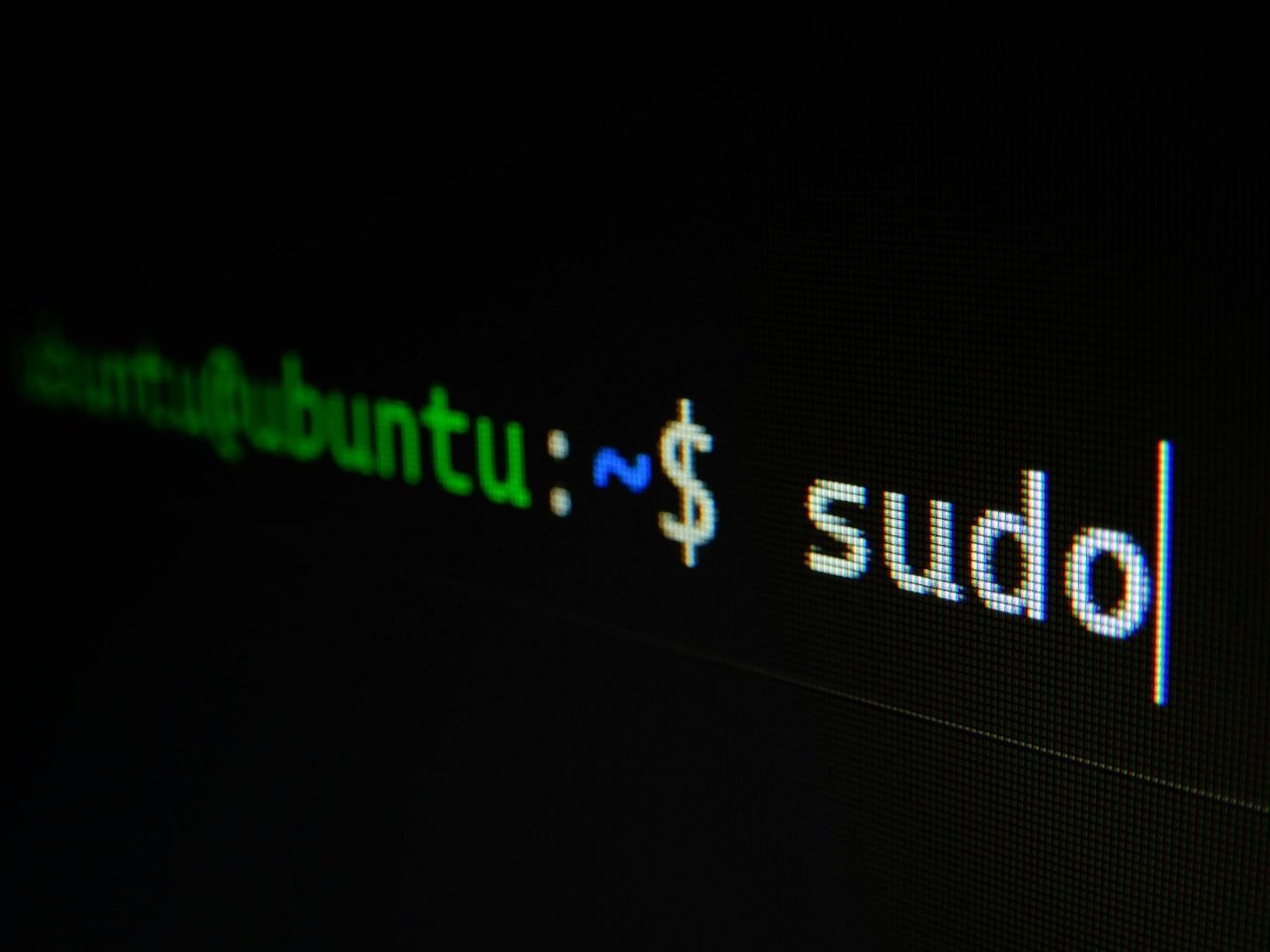
Linux is known for its robust security, mainly due to its integration of the user privilege model, open-source code audits, and centralized package management.
However, just because the system is sturdy (Linux is the backbone of most internet servers and powers several major cloud platforms after all), it doesn’t mean that it is completely immune to all kinds of threats. It is still heavily reliant on user habits and the proper configurations to remain operational.
As cyberthreats continue to arise and more data than ever is shared online it has become even more important to safeguard these systems and make sure they aren’t targeted by hackers looking to extract information.
The most common misconceptions
The most widespread misconception is that Linux is virus-proof. While the system is decidedly safer compared to Windows because of its controlled software resources and stricter permissions malware can and still does target Linux too.
It’s true that it is a smaller target but that is simply because Windows is more widely used. There is no operating system that can protect its users from social engineering or phishing either, both of which are becoming more common among those looking to target computers.
Bad user habits such as inadequate scripts or running random commands from the internet can also lead to computers becoming infected.
Then there are the attacks that occur through open servers because of weak passwords or attacks and the use of cross-platform files that can pass viruses between different devices.
The broad strokes of improving security on Linux
As with any other system improving security features on Linux largely relies on regular updates, firewalls, and the careful management of user accounts. Companies should get in touch with managed cybersecurity services in order to find out what solutions would best fit their requirements.
Constant monitoring is crucial for enterprises, a rule that holds true for all business environments, industries, and for companies of all sizes.
Working with a service such as Cyberduo means that you have a team of experts keeping track of all changes occurring in your system, allowing threats to be detected early before they spiral out of control and impact the whole system.
Fast responses are paramount so that attackers don’t have the chance to hide in the system. Keeping an eye on the security settings is very important too, because many seek entry in order to destabilize things from the inside.
In some situations, the employees themselves could unknowingly (or maliciously, depending on the case) change the security settings, making attacks more serious and effective.
Apart from regular upgrades you’ll also be advised to remove any unused services, including background daemons, software, and network ports since they can be exploited and turned into hacker entry points, as well as exclusively use official repositories.
When you install software from trusted, verified distributors, there’s no risk of ending up unwittingly downloading malware instead.
Access controls and permissions
Linux permissions are part of the core defenses controlling who can write, read, and run files. The way in which you deal with this aspect will have a huge impact on data theft, accidental changes, and the damage that can result from bad programs.
Not everyone who uses the system should be able to change the important settings and you should also keep files hidden and private from those that don’t need them for their work tasks. Remember that a single app getting hacked can serve as a gateway to the whole system being attacked.
Preventing root access can be achieved through “PermitRootLogin no” in SSH and by performing administrative tasks using “sudo”.
Replacing standard password authentication with remote shell access and secure SSH cryptographic keys will allow you to have full control over servers as well as applications since it restricts access to authorized users who have the respective private key.
However, requiring strong and complex passwords as well as implementing MFA whenever available is still fundamental.
The firewalls and logs
Firewalls and logs will block any type of unauthorized access and keep track of suspicious activities at all times, forming the proactive shield that guards both servers and devices and will react immediately when something is not how it should be.
Firewalls act as gatekeepers that either allow or block data packets based on the safety rules. Unneeded external access, port scans, and brute-force actions will all be stopped in their tracks if your firewalls are in order.
Managing rules is relatively simple with Uncomplicated Firewall but you can also use advanced tools like “iptables” if you need to.
As for the logs, they are mainly used in activity tracking. They record logins, system events, and even failed attempts for the files located in “/var/log/”. This way, the logs are able to spot malware, break-ins, and misconfigured rules immediately and alert you about these changes.
They also have integrated auditing tools and you can review your own data with “journalctl” or even automated scanners that will trace security incidents and provide you with details about the specifics as well.
SSH auditing
SSH or Secure Shell is a network protocol establishing encrypted connections for network services in order to ensure secure operations at all times.
Auditing SSH on Linux involves thoroughly checking the configuration settings, analyzing cryptographic algorithms, and reviewing the access logs in order to block the weak points.
Running the “ssh-audit <target-ip>” is the simplest way to get started and check for any weak encryption keys, risks with the software version you work with, or deprecated algorithms (older computational or cryptographic methods).
Executing local audits is typically achieved by scanning system files. Look for daemon settings that aren’t secure and OpenSSH as they can become problematic. Move on to inspect “/etc/ssh/sshd_config” for any security gaps and apply the necessary fixes.
“PermitRootLogin no” to cease direct root access on the network, enforce “PasswordAuthentication no” to implement public-key access only, and “AllowUsers user1 user2” to restrict the number of people who can connect.
In conclusion, while Linux is known for its safety and security it is still essential for users to take the necessary precautions.
Continue to upgrade your systems and run constant checkups to make sure that things are in order at all times and that nothing slipped past your radar.
